App Store screenshot best practices, 2026 edition
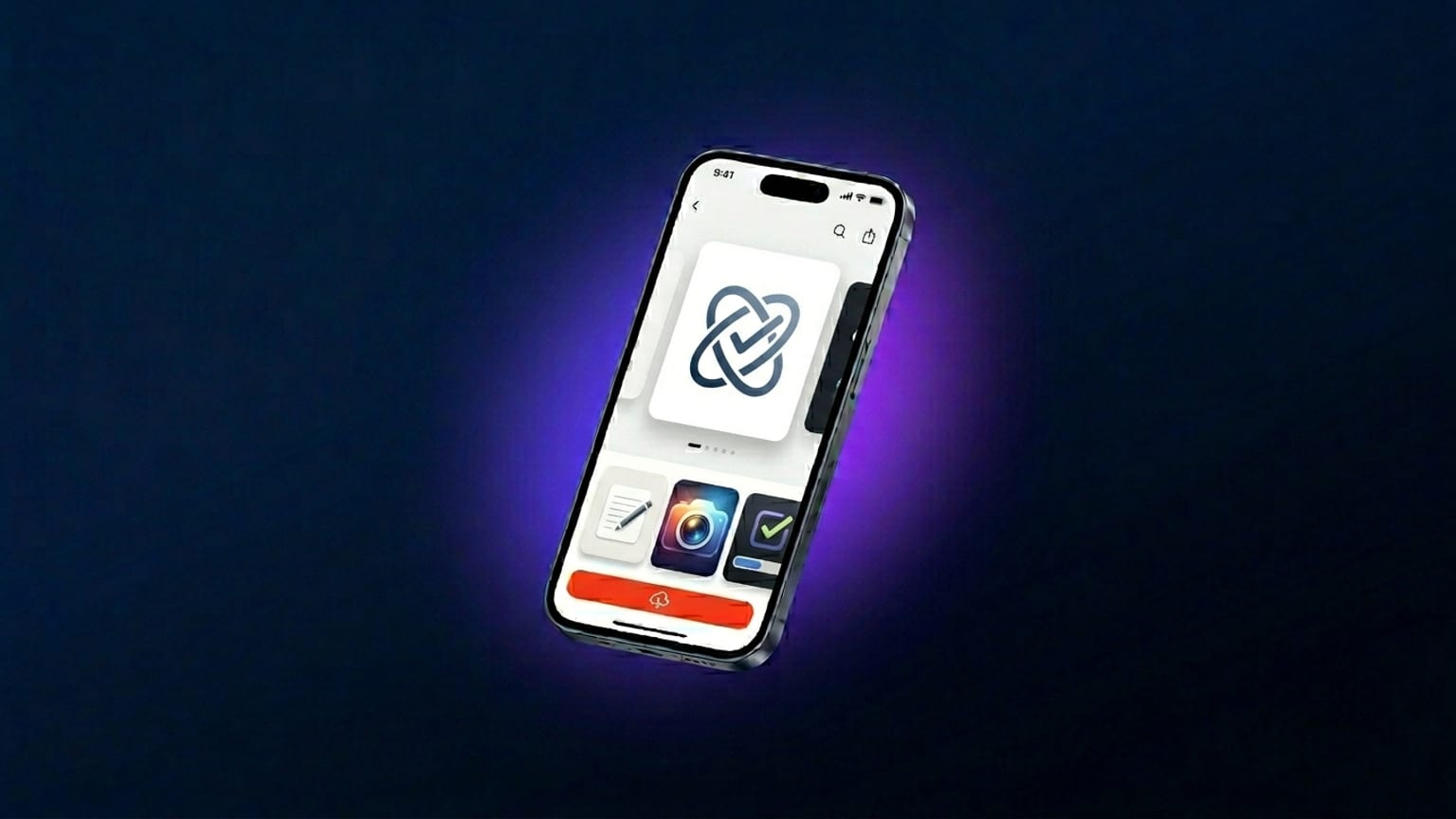
The App Store carousel is the single highest-impact piece of marketing surface most apps own. It sits above the fold on every product page, autoplays through the user's scroll, and on iOS 18+ it's the only marketing imagery the search results page actually displays. Yet most teams treat it as a one-time-at-submission afterthought rather than the conversion lever it is.
We've spent the last few months designing and prototyping a tool for this exact problem. This post is the synthesized 2026 version of what currently works in the App Store carousel — separated from the 2023-era advice that hasn't aged well. Where a claim is observation rather than measured data, we call that out instead of dressing it up as a statistic.
The two big shifts since 2024
1. 6.9" is the new baseline, not 6.5"
Apple added the 6.9" iPhone class (1320 × 2868) with iPhone 16 Pro Max in September
2024 and quickly made it the preferred upload class for new submissions. By 2026 it's effectively
required: the App Store renders 6.9" natively on iPhone 16 Pro Max, downscaling to the smaller
classes (6.7" for iPhone 15 Pro Max and 15 Plus, etc.). Designing only at 6.5" means your
largest-class users see Apple's automatic scaler artifacts on every screenshot.
2. App Preview videos got more weight
Apple's 2024 redesign of the App Store product page boosted the autoplay-video surface area — the poster frame is now larger and the muted autoplay kicks in faster than before. In categories where users want to see motion (games, video editors, fitness, music), a 15-30 second video outperforms a static carousel for tap-to-install. In utility-style apps (banking, weather, notes) static screenshots still win — the video gets watched, but the install decision happens off the first screenshot.
What top-100 apps are doing right now
Patterns we see consistently across the App Store top-100 in 2026:
- 4–5 panels, not the full 10. The 10-panel max exists, but the carousel-drop-off curve is steep — by panel 6 most users have already swiped past or made up their mind. Top apps load the best content into panels 1–4 and use panel 5 as a CTA closer. Going beyond five panels dilutes the punch.
- Captions in the top quarter. The first thing the eye lands on is the upper-left third of the panel at thumbnail size. Captions that anchor there read first; captions that sit mid-panel below a device often get missed entirely in the carousel scroll.
- One device tilt direction, repeated. Alternating tilt (one panel tilted left, the next right) used to look modern; in 2026 it reads as restless. Top apps now tilt the same direction across the carousel (~10°-15° on the Y axis), which makes the row feel like one motion.
- Continuous gradient background. A gradient that flows across all panels (one continuous color sweep instead of per-panel backgrounds) is a strong 2026 signal of "this carousel was designed as one story". Screenshotify's spanning-layer feature is built for exactly this.
- Sans-serif headlines, weight 800+. Inter, SF Pro, Söhne, GT America — all heavy weights, all sans-serif. Serif headlines exist (the Claude AI app design language being the most visible example) but they're rare and usually paired with a soft-cream background that signals "premium product".
What stopped working
The big 2023-era advice that hasn't aged well:
- "Dark mode always wins." This was the directional consensus from 2022-2023 ASO case studies (Phiture, AppTweak, indie A/B reports) — dark backgrounds outperformed light by a single-digit-to-low-teens percentage on tap-to-install, averaged across categories. By 2025 the gap mostly closed — partly because half the App Store went dark and the contrast effect faded, partly because Apple's renderer handles both well. Use the mode that fits your brand; the marginal conversion difference is now noise-level for most categories.
- "Always show a hand holding the phone." 2022's lifestyle-mockup trend (a person holding the phone with the app on screen) has mostly disappeared from the top-100. The carousel surface is too small for the hand to read at thumbnail size; the hand crops out and just looks like a weird frame.
- "Use 10 panels to maximize coverage." Already addressed above — diminishing returns past 5.
- "Stick the App Store rating in the screenshot." Apple's policy doesn't forbid it but reviewers occasionally flag it as "misleading metadata". Even when they don't, embedded ratings look amateurish next to apps that let the App Store's actual rating display do the work.
Localization: more important, less work
Localized screenshots used to be a "if you have time" task. By 2026 they're a strong-ROI ASO move for apps with non-English markets — Phiture and AppTweak both publish individual case studies showing localized creative lifting tap-to-install in specific markets. The magnitudes vary widely by category and locale; we'd recommend reading their published case studies rather than trusting any single percentage. The directional consensus is that localizing the captions in your top 2-5 non-English markets is usually worth the effort.
The reason it used to be skipped: the workflow was brutal. Translate captions to 5+ languages, re-export 5+ versions of every panel, upload 5+ times. With AI batch translation across all 39 App Store locales (the feature most generators ship in 2026), the workflow is now one click for the auto-translate plus 10-15 minutes of hand review on your top markets. The shape of "is it worth it" changed.
Honest order to prioritize:
- English (US) — your baseline.
- Top 1-2 non-English markets by install volume — usually JP, DE, BR, MX, KR, depending on category. Hand-review these.
- The next 5-10 in the long tail — auto-translate, smoke-test, ship.
- Locales you can't review at all — skip rather than ship bad copy.
Caption rules
Caption-writing for App Store screenshots has its own grammar that doesn't translate from general copywriting. The rules that hold up:
- 6–10 words per caption. Longer captions truncate or wrap unpredictably in the carousel-at-thumbnail-size render.
- Verb first. "Track every meal" beats "A new way to track meals". The imperative form reads as a feature claim; the descriptive form reads as marketing copy.
- Avoid corporate buzzwords. "Powerful", "seamless", "robust", "intuitive" — all flag as copywriter filler. Users skip them. Concrete verbs and nouns do the work.
- One claim per panel. Two-claim panels feel like ad copy; one-claim panels feel like product copy. Product copy converts better in App Store carousels.
The submission checklist
Before pushing screenshots to App Store Connect, the checks that catch the most rejections:
- Correct dimensions per device class (rejection at upload time, not in review)
- No misleading device chrome (showing iPhone 16 Pro Max in screenshots when your app doesn't support it = rejection)
- No fake App Store ratings, no embedded "Featured in TechCrunch" badges without permission
- No placeholder text ("lorem ipsum", "TBD", "Beta") anywhere visible
- Status bar matching reality (9:41 / full battery is fine as a marketing convention; "9:47 / 23% battery" looks unintentional and reviewers flag it)
- Locale-matched copy in each locale's upload (Japanese screenshots can't contain English captions)
Apple's App Store Review Guidelines section 2.3 is the canonical reference. The screenshot-specific section is short; the rejection-prone things are the content rules above, not the technical specs.
Tools we recommend
Honest about the tool landscape:
- Screenshotify (the thing we build) — browser-based, free editor, €19.99/mo for export and 39-locale AI translation. Built for the workflow this post describes.
- AppLaunchpad — bigger template library, more brand recognition in the indie-dev community.
- Fastlane snapshot — if you want raw simulator screenshots regenerated on every CI build, free and open source.
- Figma with one of the App Store frame plug-ins — strong choice if you already live in Figma and want max design flexibility, weak choice for batch localization.