Every template with its full carousel, description, vibe tags and "best for" — laid out one under another, each whole set in view, so you can compare and fork the one that fits.
10 templates60 panels total8 categoriesFree · No signup to fork
Filter
6 panels
Finance
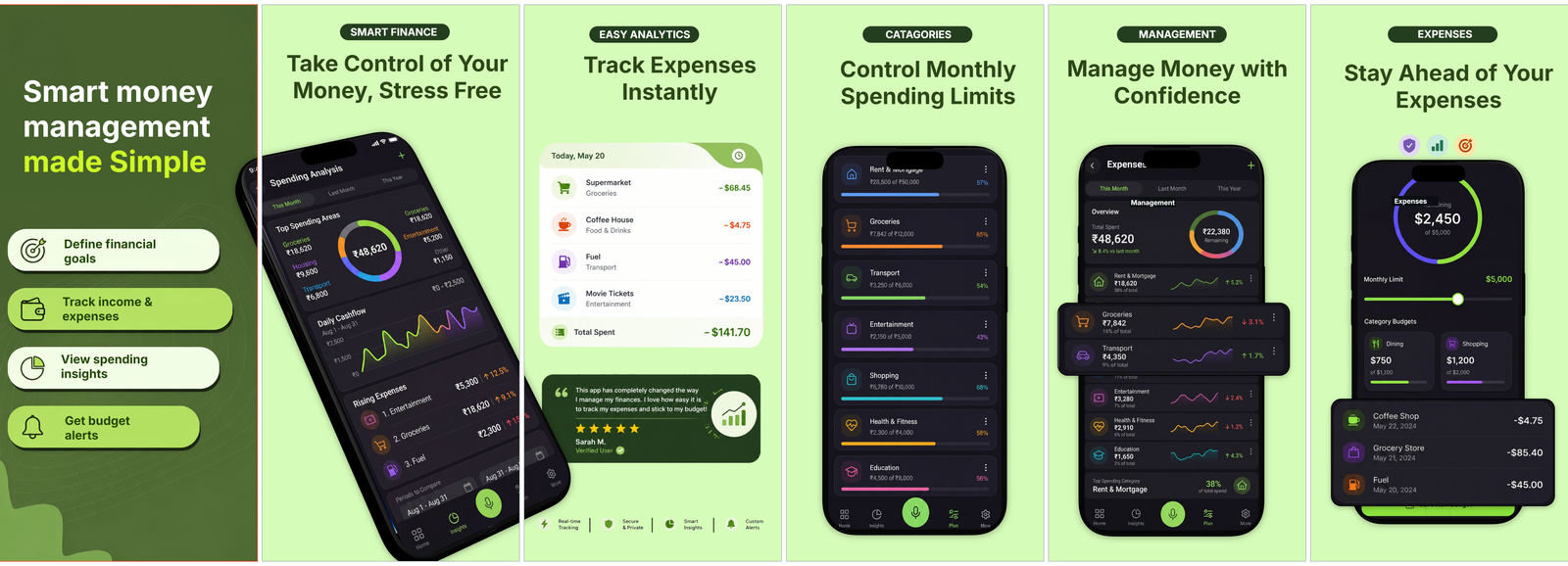
Money Tracker.
Calm dark look for budgeting and expense apps.
A reassuring dark palette with bold headlines and clean dashboard cards — financial goals, income-and-expense tracking, spending insights and budget alerts. Strikes the stress-free, trustworthy tone everyday money apps need.
Vibe
darkfinancecalmtrustworthy
Best forBudgeting, expense trackers and personal money apps
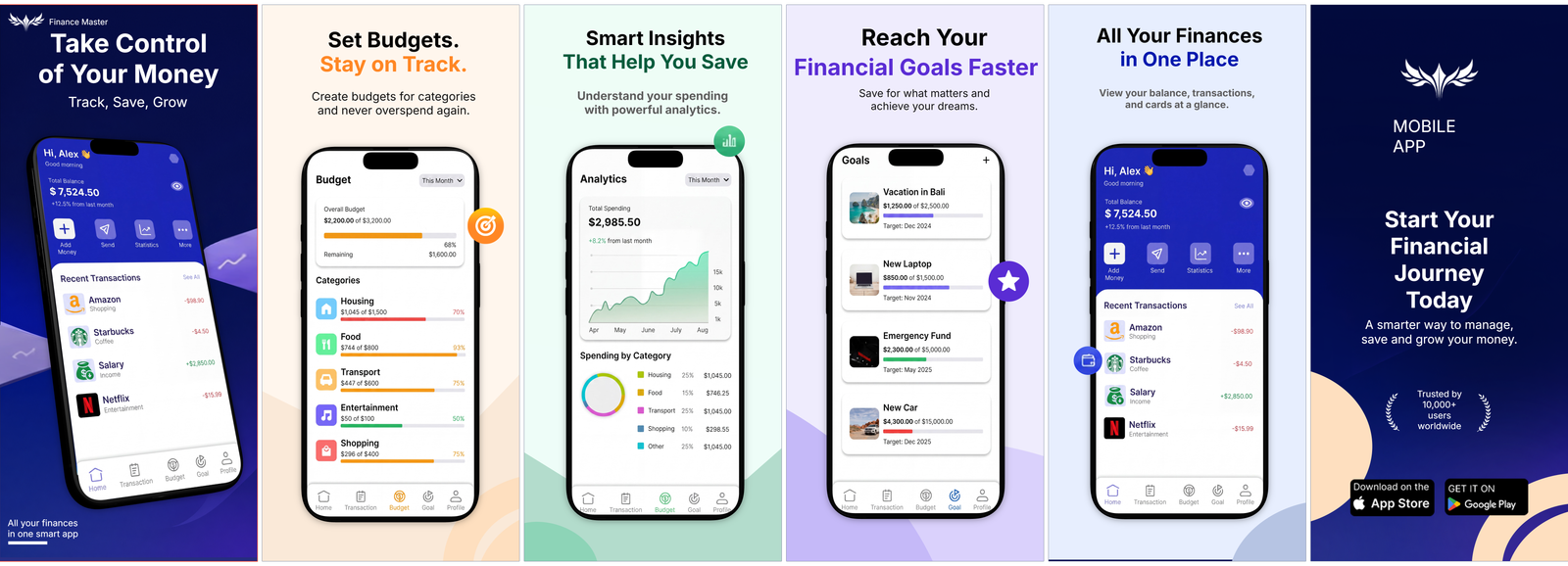
An all-in-one money-app look — dark background, punchy Track, Save, Grow headlines and data-rich cards for category budgets, smart spending insights and savings goals. Feels capable and analytical without turning corporate.
Vibe
darkfinanceanalyticsbold
Best forPersonal finance, budgeting and savings-goal apps
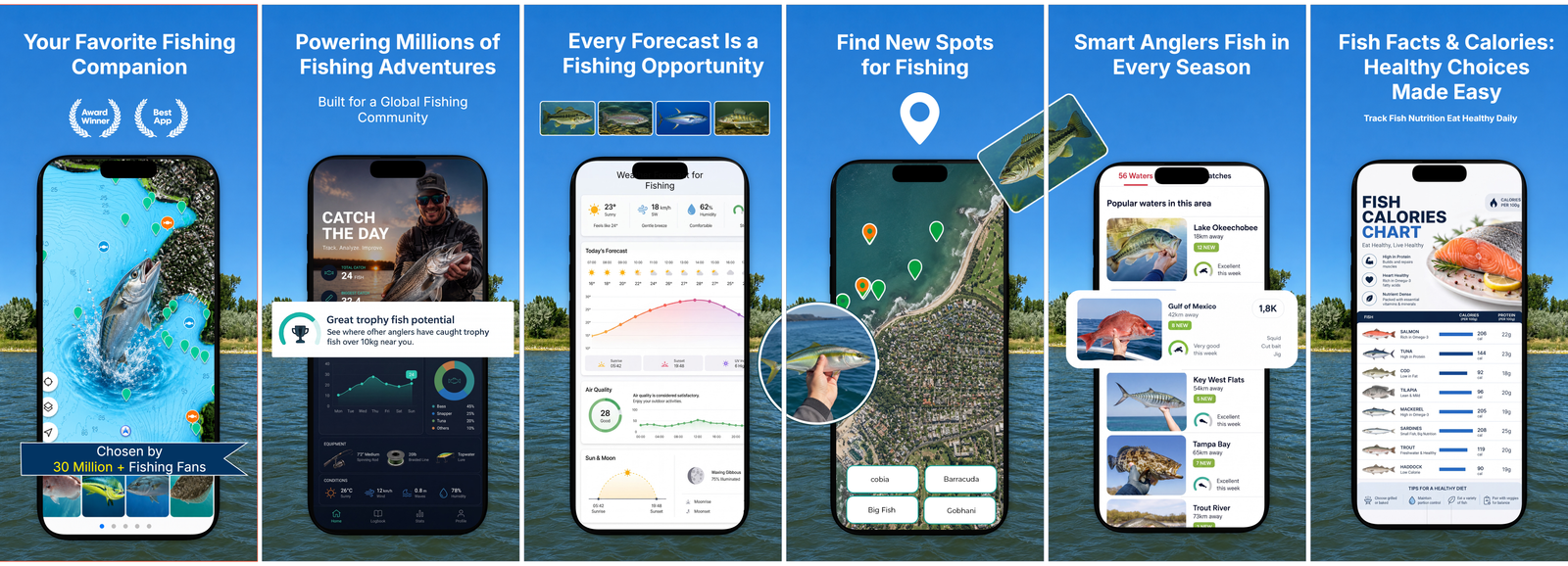
Built for the water — moody dark panels with headlines like Your favourite fishing companion, fishing-spot maps, bite-time weather forecasts and a global angler community. Speaks straight to hobby anglers.
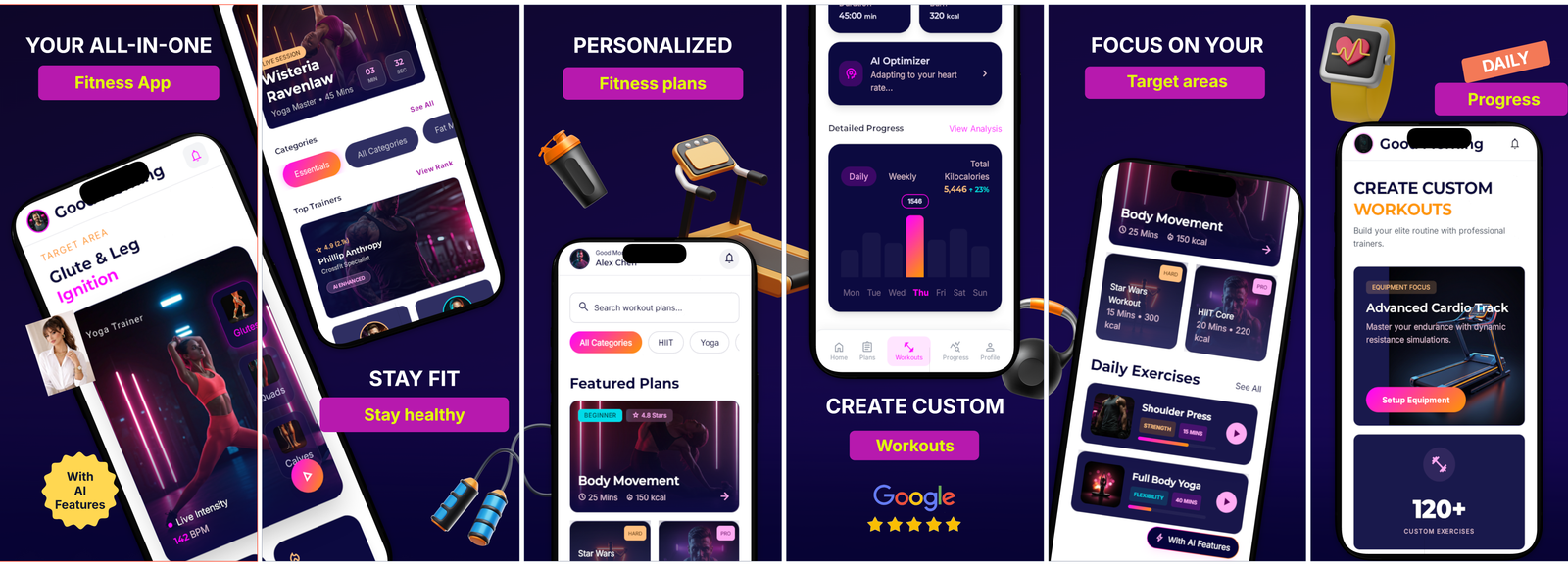
A bold dark workout aesthetic with strong headlines and on-screen plans — personalised training, custom workouts, target-area focus and daily progress. The high-energy look gym and training apps are expected to have.
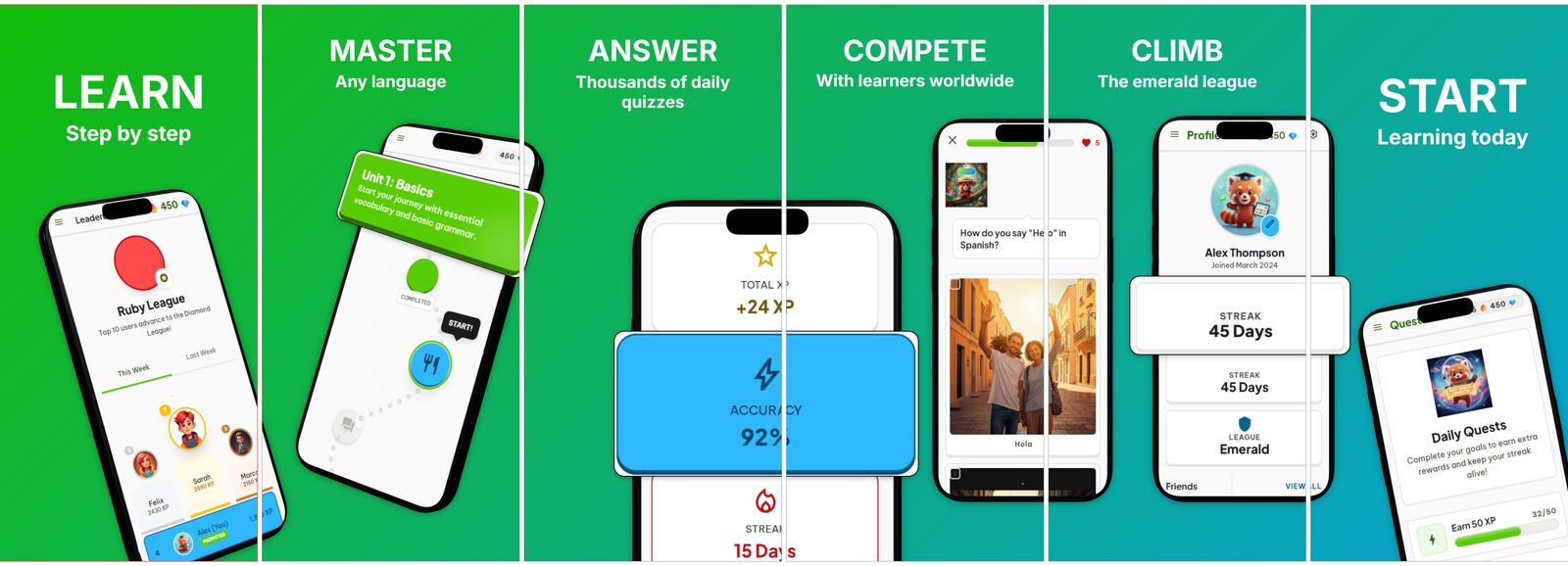
Playful, gamified look for language-learning apps.
A fun, game-like layout with big Learn, Master and Compete verbs, daily quizzes, leaderboards and league badges. Captures the streaks-and-rewards feel that keeps learners coming back.
Vibe
gamifiededucationplayfulcolourful
Best forLanguage-learning, quiz and education apps
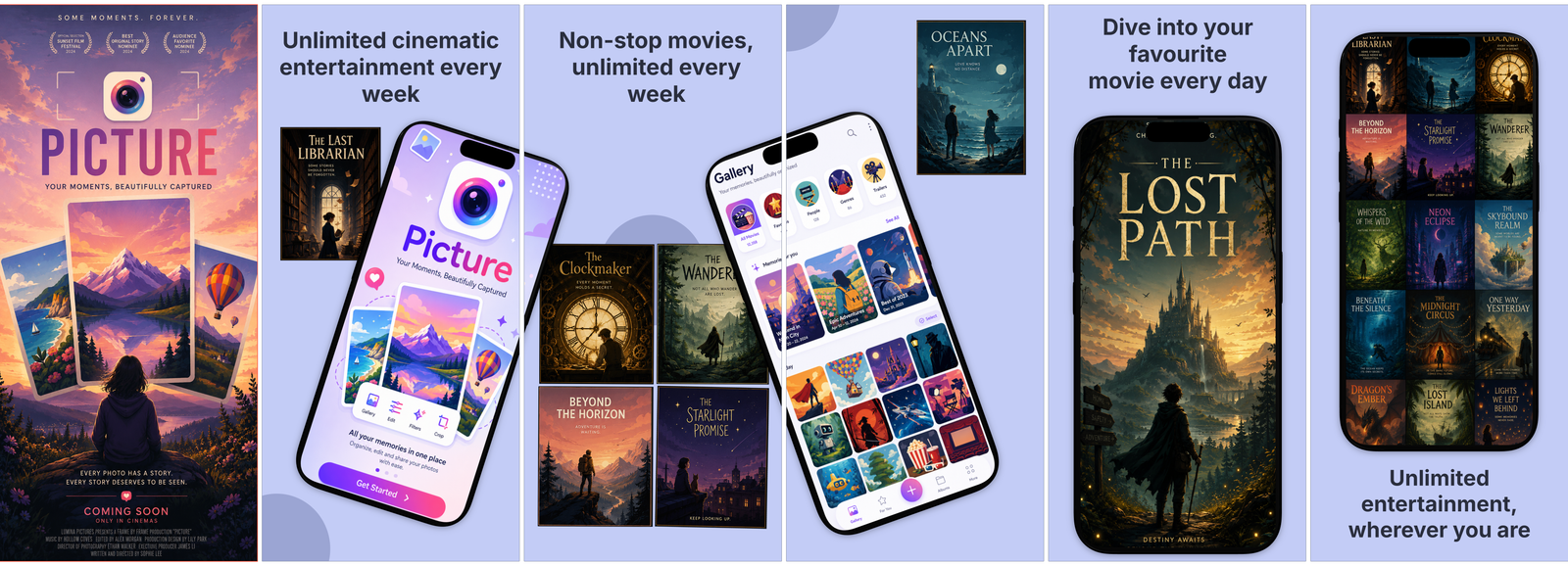
A light, poster-forward design built around unlimited entertainment every week — film artwork, watch-anywhere headlines and a binge-friendly mood. Made for video and streaming services.
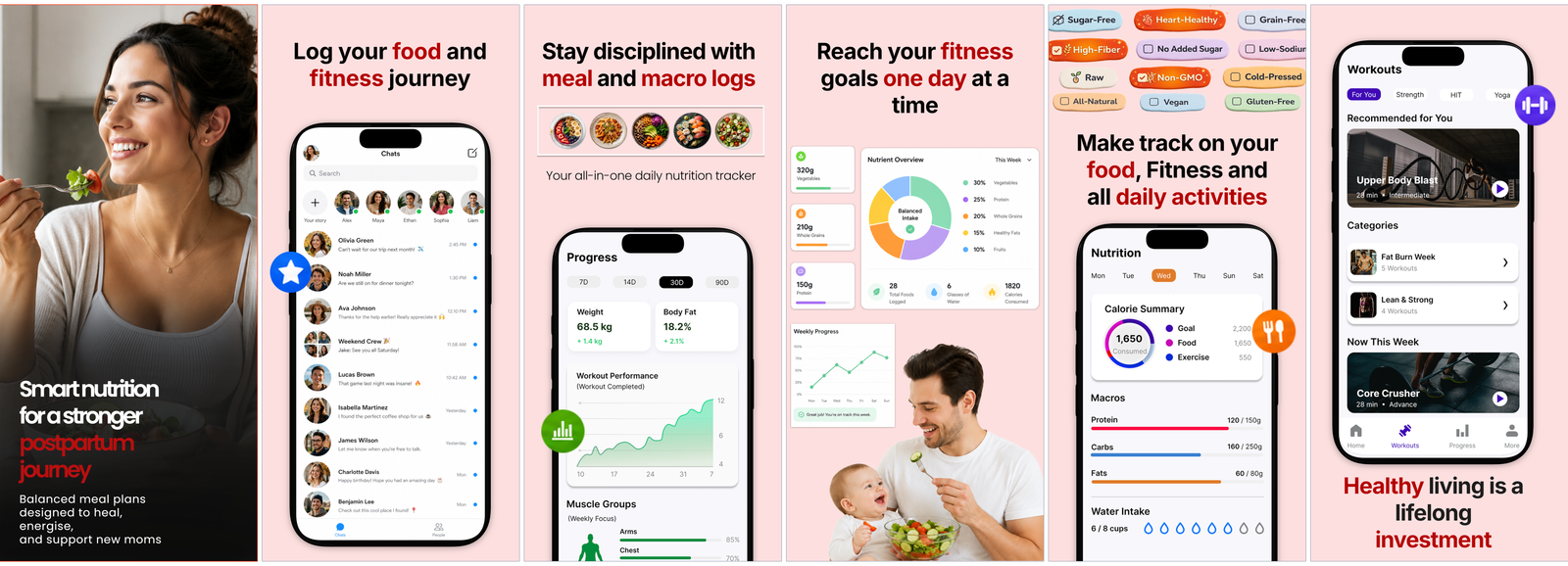
A gentle light palette with warm headlines and supportive copy — postpartum nutrition, healing meal plans, and food and macro logging for new mothers. Caring rather than clinical.
Vibe
lightwellnessnurturingsoft
Best forPostpartum, nutrition and maternal-health apps
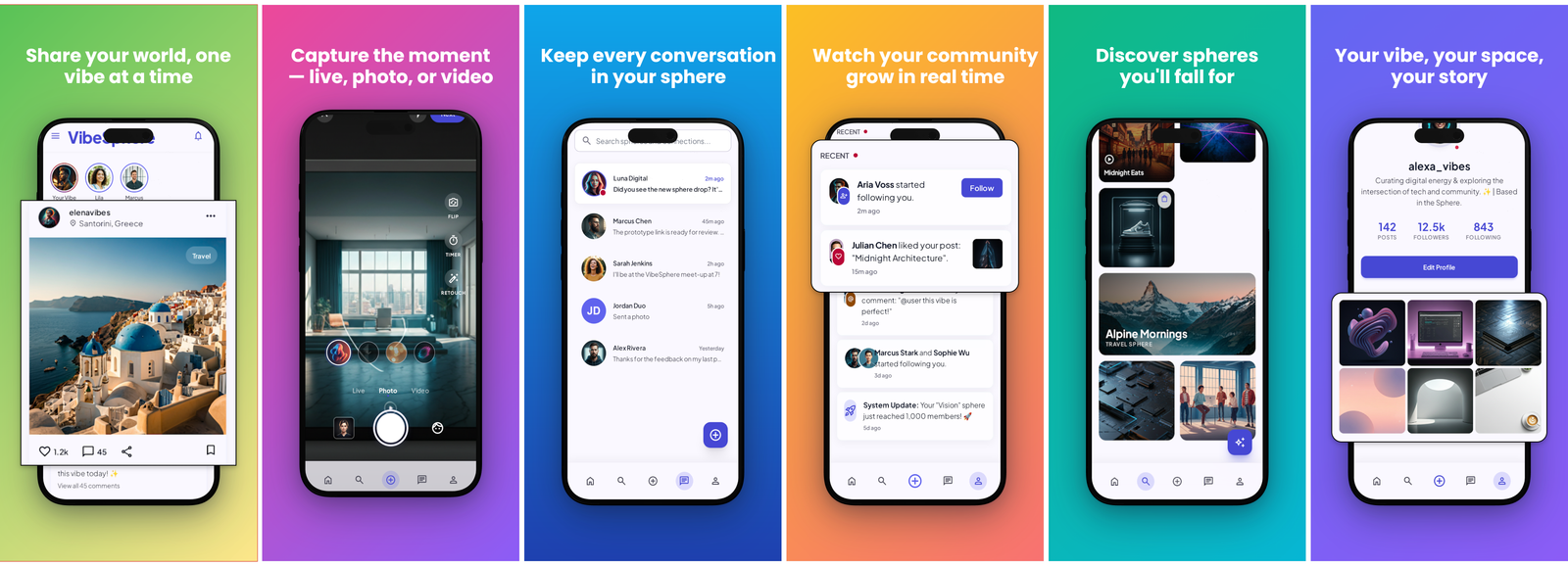
Bright, friendly look for social and community apps.
A light, lively design built for sharing — share your world one vibe at a time, live photo and video moments, communities to join and a growing-following feel. Approachable and modern.
Trust-building dark theme for password and security apps.
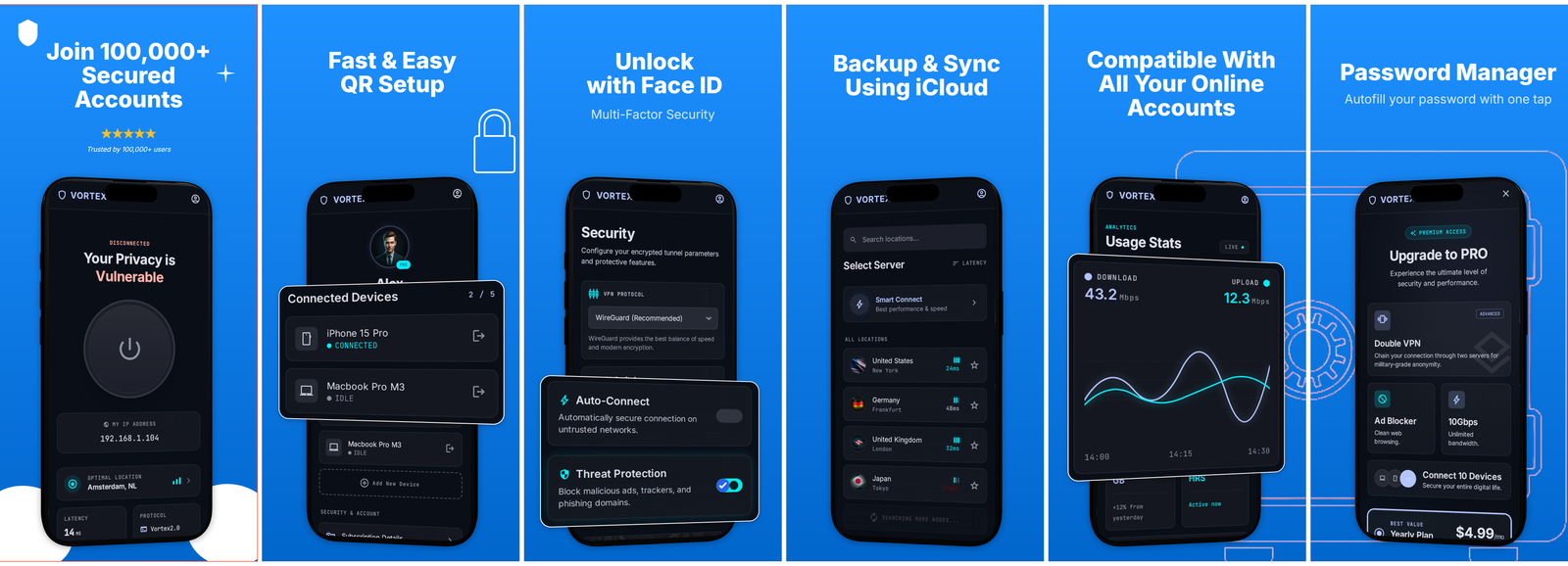
A confident, security-first dark look with social-proof headlines, QR setup, Face ID unlock, multi-factor protection and one-tap password autofill. The visual language users link with keeping their accounts safe.
Vibe
darksecuritytrustbold
Best forPassword managers, authenticators and security apps
None of these fit your product? Open the editor empty and build the carousel from your own gradients, frames and copy. Templates are a head start, never a constraint.