टॉप 100 ऐप्स के App Store स्क्रीनशॉट के आंकड़े
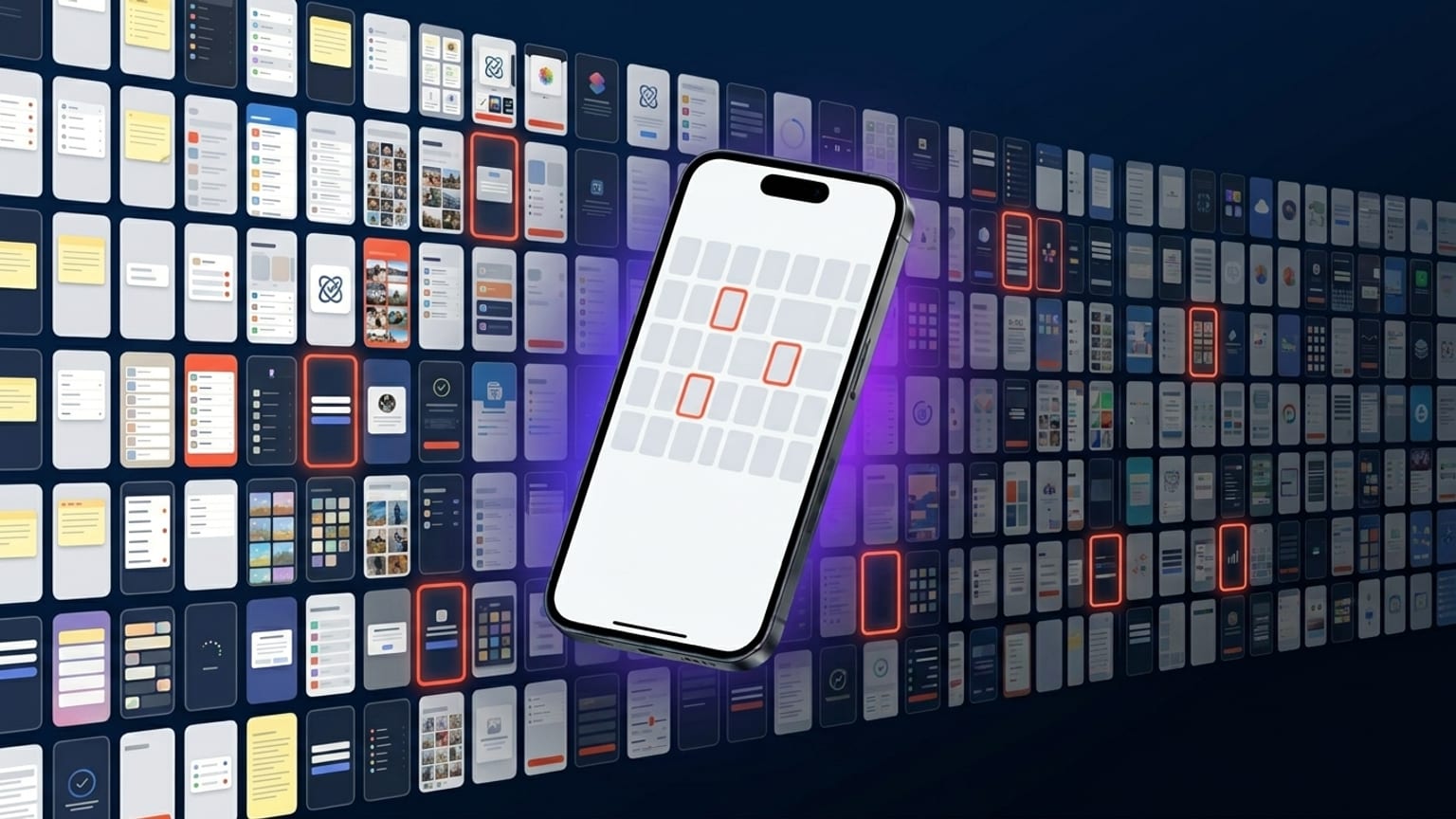
Caveat: यह कोई controlled study नहीं है। यह कुछ महीनों में categories में manually inspect किए गए कुछ सौ top-ranked App Store screenshots से pattern-spotting है। नीचे दी गई observations वह हैं जो हम बार-बार देखते हैं, statistical claims नहीं। जहाँ percentages हैं, उन्हें precise नहीं "directional" मानें।
बहुत-से ASO research firms (Phiture, AppTweak, Adapty, Mobile Action) real sample sizes और methodology के साथ अपने analyses publish करते हैं — अगर आपको defensible numbers चाहिए तो वे canonical references हैं। यह post वे patterns हैं जिन पर हम independently पहुँचते रहते हैं।
कैप्शन length
US App Store top-100 में Finance, Health, Productivity, Travel और Entertainment categories में ~200 panel-captions का sample: average कैप्शन length लगभग 6-9 शब्द है। Long tail ~15 शब्दों तक जाती है लेकिन वे rare हैं और thumbnail size पर लगभग हमेशा अनुमान से ज़्यादा wrap होते हैं।
तीन कैप्शन-length archetypes जो हम consistently देखते हैं:
- 3-word कैप्शन — punchy, single-claim। "Track every meal." "All your money." Tagline जैसा पढ़ता है।
- 6-9 word कैप्शन — common middle। "Your money, all in one view." "Read more, save more, never lose a tab."
- Two-line stacked कैप्शन — पहली line बड़ी, दूसरी छोटी। अक्सर benefit + clarification। Productivity और Tools categories में ज़्यादा दिखता है।
हम ज़्यादा नहीं देखते: caption-as-sentence ("Manage your investments with our easy-to-use dashboard")। यह product copy नहीं, ad copy जैसा पढ़ता है।
Device tilt
Visual categories (Entertainment, Photography, Health, Fitness, Social) में ~70% top-100 carousels में tilted devices हैं। बाकी ~30% upright (no tilt) devices use करते हैं।
Utility categories (Finance, Banking, Productivity, Tools) में split लगभग 50/50 है। Utility apps upright lean करते हैं जब "serious, professional" signal करना हो, tilted जब "modern, fresh" signal करना हो।
Tilted carousels में, ज़्यादातर सभी panels में एक ही tilt direction use करते हैं — alternating नहीं। यह सबसे strong individual pattern है जो हमने notice किया: alternating tilt clearly 2022-2023 का default था और अब minority choice है।
Dark mode बनाम light mode
Categories में roughly 50/50 कुछ category-specific lean के साथ:
- Dark lean: Games, Photo/Video tools, Health/Fitness, Music, AI
- Light lean: Productivity, Tools, Education, Kids
- Mixed: Finance, Social, Travel
2022-2023 की सलाह "dark always wins" real A/B test data से आई, लेकिन ज़्यादातर data उन categories से था जो naturally lean-dark थीं (games, music, photo)। Category control करने पर dark-mode advantage noise के अंदर सिकुड़ जाता है। जो mode आपके brand के लिए सही हो वह चुनें।
Background pattern
तीन pattern-categories dominant हैं:
- Gradient background (linear या radial, two-color) — सबसे आम।
- Solid color background — minimalist brands use करती हैं। कम आम लेकिन बढ़ रहा है।
- Photo background — Travel, Food, Lifestyle में आम। बाकी जगह rare।
Pattern fills (stripes, dots, grid, checkers) top-100 carousels पर बहुत rare हैं। छोटे apps पर दिखते हैं, अक्सर amateur लगते हैं, और thumbnail size पर legibly scale होते नहीं। 2021-2022 में यह कम true था जब pattern fills design में trendy थे।
Panels में continuity
Roughly 60-70% top-100 carousels में panels में visual continuity है — बहता gradient, shared anchor positions, consistent कैप्शन format। बाकी 30-40% हर panel को independent स्क्रीनशॉट treat करते हैं।
Continuity carousels आमतौर पर established brands से होते हैं जिनके design teams हैं (Apple के own apps, Notion, Linear, Things, Robinhood, Headspace)। Independent-panel carousels आमतौर पर छोटी teams या पुराने apps से होते हैं जिन्हें 2020 से redesign नहीं मिला।
हमारे पास per carousel install data नहीं है, इसलिए हम claim नहीं कर सकते कि continuity बेहतर convert करती है — सिर्फ इतना कि App Store distribution में demonstrably succeed करने वाले apps इसकी तरफ lean करते हैं।
कैप्शन position
~85% कैप्शन पैनल के top quarter या top third में होते हैं। बाकी ~15% bottom-quarter और mid-panel positioning के बीच split होते हैं, दोनों आमतौर पर ऐसे device के साथ pair होते हैं जो top half occupy करे।
पैनल के exact middle में कैप्शन — device को overlap करते हुए — top-100 carousels पर बहुत rare हैं। वे पैनल को busy और कैप्शन को thumbnail size पर पढ़ना मुश्किल बना देते हैं।
Panels की संख्या
Mode 5 panels है। पूरे 10-panel max का use कम होता है (~5% top-100), और लगभग हमेशा ऐसे apps से आता है जिनके बहुत distinct features हैं जो distinct screens पर map होते हैं (note-taking apps अलग views दिखाते हैं, productivity apps अलग modules दिखाते हैं)।
3-panel carousels भी rare हैं (~10%)। बाकी ~85% 4 या 5 panels पर हैं। यही practical sweet spot है: story बताने के लिए काफी, इतने ज़्यादा नहीं कि users छोड़ दें।
Category-conventional क्या है
Specific color associations जो हम consistently देखते हैं:
- Finance: deep blue, कभी-कभी green। लगभग कभी red नहीं (loss signaling से बचना)।
- Health/Fitness: teal, soft green, women-focused apps के लिए कभी-कभी pink।
- Productivity: orange या yellow accents, अक्सर white/light backgrounds पर। Black-and-white minimal भी common।
- Entertainment: bold warm palettes, deep purple, magenta, gradient saturation।
- Travel: photo backgrounds, अक्सर turquoise/orange combinations।
- AI: warm beige/orange (Claude AI), या dark with neon accents (ज़्यादातर chatbot apps)।
इन conventions को तोड़ना नए apps के लिए risky है जो category में established players से compete करने की कोशिश कर रहे हैं। Brand equity वाले established apps convention तोड़ सकते हैं; नए apps आमतौर पर उससे match करके फ़ायदा उठाते हैं।
आपके कैरोसेल के लिए इसका मतलब
अगर आप 2026 में एक नया App Store कैरोसेल ship कर रहे हैं, तो ऊपर के patterns suggest करते हैं:
- 6-9 शब्द कैप्शन, top-quarter position।
- 4 या 5 panels।
- Device को कैरोसेल में एक ही direction में tilt करें (10-15°)।
- Category-conventional palette चुनें जब तक brand equity खर्च करने के लिए न हो।
- Panels में continuous gradient background।
यह descriptive है, prescriptive नहीं। अगर जो apps अभी category जीत रहे हैं वे X करते हैं, और आप category enter करने की कोशिश कर रहे हैं, तो not-X करना एक real downside वाला experiment है।