App Store स्क्रीनशॉट best practices, 2026 edition
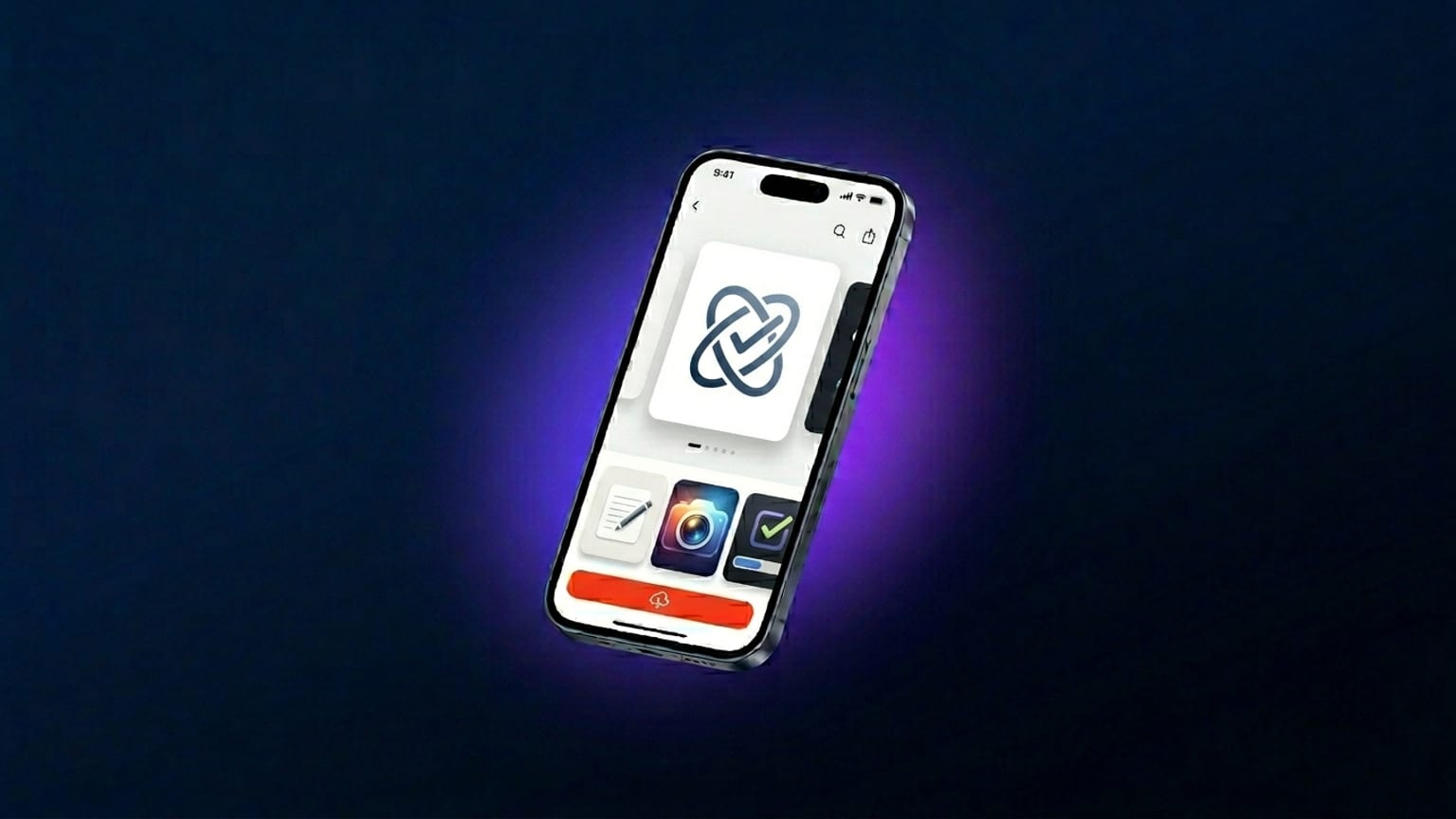
App Store कैरोसेल अधिकांश apps की सबसे high-impact marketing surface है। यह हर product page पर fold के ऊपर बैठता है, user के scroll के साथ autoplay होता है, और iOS 18+ पर यह एकमात्र marketing imagery है जो search results page वास्तव में display करता है। फिर भी अधिकांश teams इसे submission पर एक बार बनाने वाली afterthought मानती हैं न कि वह conversion lever जो यह है।
हमने पिछले कुछ महीने इसी समस्या के लिए एक tool design और prototype करने में बिताए हैं। यह post App Store कैरोसेल में अभी क्या काम करता है इसका 2026 synthesized version है — 2023 की उस advice से अलग जो अच्छी तरह नहीं टिकी। जहाँ कोई claim observation है न कि measured data, हम उसे statistic की तरह dress up करने की बजाय बताते हैं।
2024 के बाद के दो बड़े बदलाव
1. 6.9" नया baseline है, 6.5" नहीं
Apple ने September 2024 में iPhone 16 Pro Max के साथ 6.9" iPhone class (1320 × 2868) जोड़ा और जल्दी ही इसे new submissions के लिए preferred upload class बना दिया। 2026 तक यह effectively required है: App Store 6.9" को iPhone 16 Pro Max पर natively render करता है, smaller classes (6.7" iPhone 15 Pro Max और 15 Plus आदि) पर downscale होता है। केवल 6.5" पर design करने का मतलब है आपके largest-class users हर स्क्रीनशॉट पर Apple के automatic scaler artifacts देखते हैं।
2. App Preview videos को ज़्यादा weight मिला
Apple के 2024 App Store product page redesign ने autoplay-video surface area बढ़ाई — poster frame अब बड़ा है और muted autoplay पहले से तेज़ kick in करता है। उन categories में जहाँ users motion देखना चाहते हैं (games, video editors, fitness, music), 15-30 सेकंड का video static कैरोसेल को tap-to-install में outperform करता है। Utility-style apps (banking, weather, notes) में static स्क्रीनशॉट अभी भी जीतते हैं — video देखा जाता है, लेकिन install का निर्णय पहले स्क्रीनशॉट से होता है।
Top-100 apps अभी क्या कर रहे हैं
2026 में App Store top-100 में हम जो patterns consistently देखते हैं:
- 4-5 panels, पूरे 10 नहीं। 10-panel max exist करता है, लेकिन carousel-drop-off curve steep है — panel 6 तक अधिकांश users पहले ही swipe कर चुके होते हैं या उनका मन बन चुका होता है। Top apps सबसे अच्छा content panels 1-4 में load करते हैं और panel 5 को CTA closer के रूप में उपयोग करते हैं। पाँच panels से आगे जाने से punch कम हो जाती है।
- Top quarter में कैप्शन। Thumbnail size पर panel के upper-left third पर eye सबसे पहले पहुँचती है। वहाँ anchor किए गए कैप्शन पहले पढ़े जाते हैं; device के नीचे mid-panel बैठे कैप्शन कैरोसेल scroll में अक्सर miss हो जाते हैं।
- एक device tilt direction, बार-बार। Alternating tilt (एक panel बाईं ओर, अगला दाईं ओर) पहले modern दिखता था; 2026 में यह restless लगता है। Top apps अब पूरे कैरोसेल में एक ही direction में tilt करते हैं (~10°-15° Y axis पर), जिससे पूरी row एक motion जैसी लगती है।
- Continuous gradient background। सभी panels में flow करने वाला gradient (per-panel backgrounds की बजाय एक continuous color sweep) 2026 का एक strong signal है कि "यह कैरोसेल एक कहानी के रूप में design किया गया"। Screenshotify की विस्तृत लेयर feature ठीक इसी के लिए बनी है।
- Sans-serif headlines, weight 800+। Inter, SF Pro, Söhne, GT America — सभी heavy weights, सभी sans-serif। Serif headlines exist करते हैं (Claude AI app design language सबसे visible example है) लेकिन वे rare हैं और आमतौर पर एक soft-cream background के साथ paired हैं जो "premium product" का संकेत देता है।
क्या काम करना बंद हो गया
2023 की बड़ी advice जो अच्छी तरह नहीं टिकी:
- "Dark mode हमेशा जीतता है।" यह 2022-2023 ASO case studies (Phiture, AppTweak, indie A/B reports) का directional consensus था — dark backgrounds, tap-to-install में categories में average, single-digit-to-low-teens percentage से light को outperform करते थे। 2025 तक gap ज़्यादातर बंद हो गया — आंशिक रूप से क्योंकि आधा App Store dark हो गया और contrast effect fade हो गया, आंशिक रूप से क्योंकि Apple का renderer दोनों को अच्छी तरह handle करता है। अपने brand के अनुसार mode उपयोग करें; marginal conversion अंतर अब अधिकांश categories के लिए noise-level है।
- "हमेशा phone पकड़ा हाथ दिखाओ।" 2022 का lifestyle-mockup trend (एक व्यक्ति phone पकड़े हुए app screen के साथ) top-100 से ज़्यादातर गायब हो गया है। कैरोसेल surface thumbnail size पर hand पढ़ने के लिए बहुत छोटी है; hand crop out होता है और बस एक अजीब frame जैसा दिखता है।
- "Coverage maximize करने के लिए 10 panels उपयोग करो।" ऊपर already addressed — 5 panels के बाद diminishing returns।
- "स्क्रीनशॉट में App Store rating डालो।" Apple की policy इसे forbid नहीं करती लेकिन reviewers कभी-कभी इसे "misleading metadata" के रूप में flag करते हैं। जब नहीं भी करते, तो embedded ratings उन apps के बगल में amateurish लगती हैं जो App Store की actual rating display को काम करने देते हैं।
Localization: ज़्यादा ज़रूरी, कम काम
Localized स्क्रीनशॉट एक "समय हो तो" task हुआ करते थे। 2026 तक ये non-English markets वाले apps के लिए एक strong-ROI ASO move हैं — Phiture और AppTweak दोनों individual case studies publish करते हैं जो दिखाते हैं कि localized creative specific markets में tap-to-install lift करती है। Magnitude category और locale के अनुसार काफी अलग-अलग है; हम किसी single percentage पर भरोसा करने की बजाय उनके published case studies पढ़ने की सलाह देंगे। Directional consensus यह है कि अपने top 2-5 non-English markets में कैप्शन localize करना आमतौर पर effort के लायक है।
इसे पहले skip करने की वजह: workflow brutal था। 5+ languages में कैप्शन translate करो, हर panel के 5+ versions re-export करो, 5+ बार upload करो। AI batch translation के साथ सभी 39 App Store locales में (2026 में अधिकांश generators जो feature ship करते हैं), workflow अब auto-translate के लिए one click plus आपके top markets पर 10-15 minutes hand review है। "क्या यह worth है" का shape बदल गया।
प्राथमिकता का ईमानदार क्रम:
- English (US) — आपका baseline।
- Install volume के हिसाब से top 1-2 non-English markets — आमतौर पर category के अनुसार JP, DE, BR, MX, KR। इन्हें hand-review करें।
- Long tail में अगले 5-10 — auto-translate, smoke-test, ship।
- वे locales जिन्हें आप बिल्कुल review नहीं कर सकते — बुरी copy ship करने की बजाय skip करें।
कैप्शन नियम
App Store स्क्रीनशॉट के लिए कैप्शन-writing का अपना grammar है जो general copywriting से translate नहीं होता। जो नियम टिके रहते हैं:
- प्रति कैप्शन 6-10 words। लंबे कैप्शन carousel-at-thumbnail-size render में unpredictably truncate या wrap होते हैं।
- Verb पहले। "Track every meal" "A new way to track meals" को beat करता है। Imperative form feature claim की तरह पढ़ता है; descriptive form marketing copy की तरह।
- Corporate buzzwords से बचें। "Powerful", "seamless", "robust", "intuitive" — सभी copywriter filler की तरह flag होते हैं। Users इन्हें skip करते हैं। Concrete verbs और nouns काम करते हैं।
- प्रति panel एक claim। Two-claim panels ad copy जैसे लगते हैं; one-claim panels product copy जैसे। Product copy App Store carousels में बेहतर convert करती है।
Submission checklist
App Store Connect पर स्क्रीनशॉट push करने से पहले, वे checks जो सबसे ज़्यादा rejections पकड़ते हैं:
- प्रति device class सही dimensions (upload time पर rejection, review में नहीं)
- कोई misleading device chrome नहीं (screenshots में iPhone 16 Pro Max दिखाना जब आपका app उसे support नहीं करता = rejection)
- कोई fake App Store ratings नहीं, बिना permission के "Featured in TechCrunch" badges embedded नहीं
- कहीं भी कोई placeholder text नहीं ("lorem ipsum", "TBD", "Beta")
- Status bar reality से matching (9:41 / full battery marketing convention के रूप में ठीक है; "9:47 / 23% battery" unintentional लगता है और reviewers flag करते हैं)
- हर locale के upload में locale-matched copy (Japanese स्क्रीनशॉट में English कैप्शन नहीं हो सकते)
Apple की App Store Review Guidelines section 2.3 canonical reference है। Screenshot-specific section छोटा है; rejection-prone चीज़ें ऊपर दिए content rules हैं, technical specs नहीं।
हम जो tools recommend करते हैं
Tool landscape के बारे में ईमानदारी से:
- Screenshotify (जो हम बनाते हैं) — browser-based, free एडिटर, Standard (€19.99/माह) export और 39-locale AI translation के लिए। इस post में describe किए workflow के लिए built।
- AppLaunchpad — बड़ी template library, indie-dev community में ज़्यादा brand recognition।
- Fastlane snapshot — अगर आप हर CI build पर raw simulator स्क्रीनशॉट regenerate चाहते हैं, free और open source।
- Figma किसी App Store frame plug-in के साथ — अगर आप पहले से Figma में रहते हैं और max design flexibility चाहते हैं तो strong choice, batch localization के लिए weak choice।